
For employers
Post a clear, effective job
Give qualified talent enough information to self-select and submit useful applications.
A good job listing attracts people who understand the work and filters out obvious mismatches before review. RemoteFilipino can distribute and organize the listing, but it cannot guarantee a particular application count, response, interview, or hire. Results depend on role demand, clarity, competitiveness, timing, and your follow-through.
Before opening the form
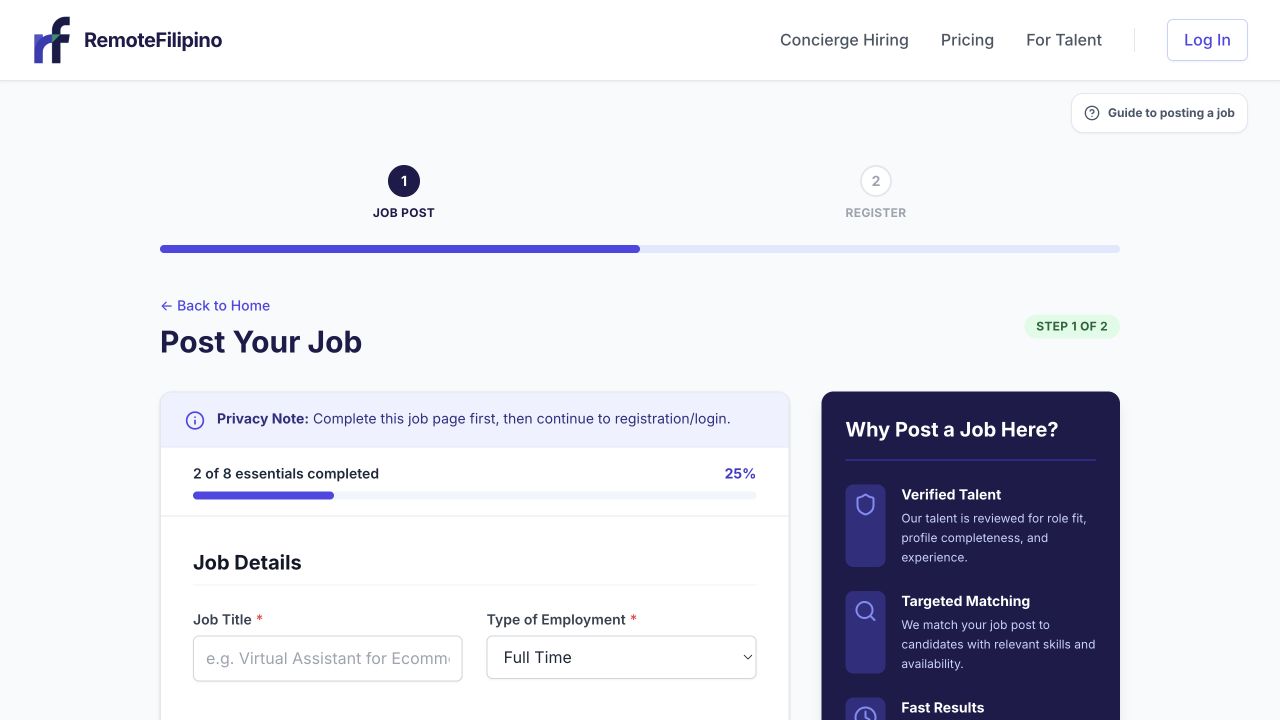
The progress indicator shows which essentials still need attention before registration.
Confirm the role owner, essential responsibilities, required skills, working hours, time-zone overlap, employment arrangement, compensation approach, and target start date. Complete your company profile so candidates can evaluate who is hiring. Review the current pricing and access options; live page and checkout terms control because offers and limits can change.
Complete the listing
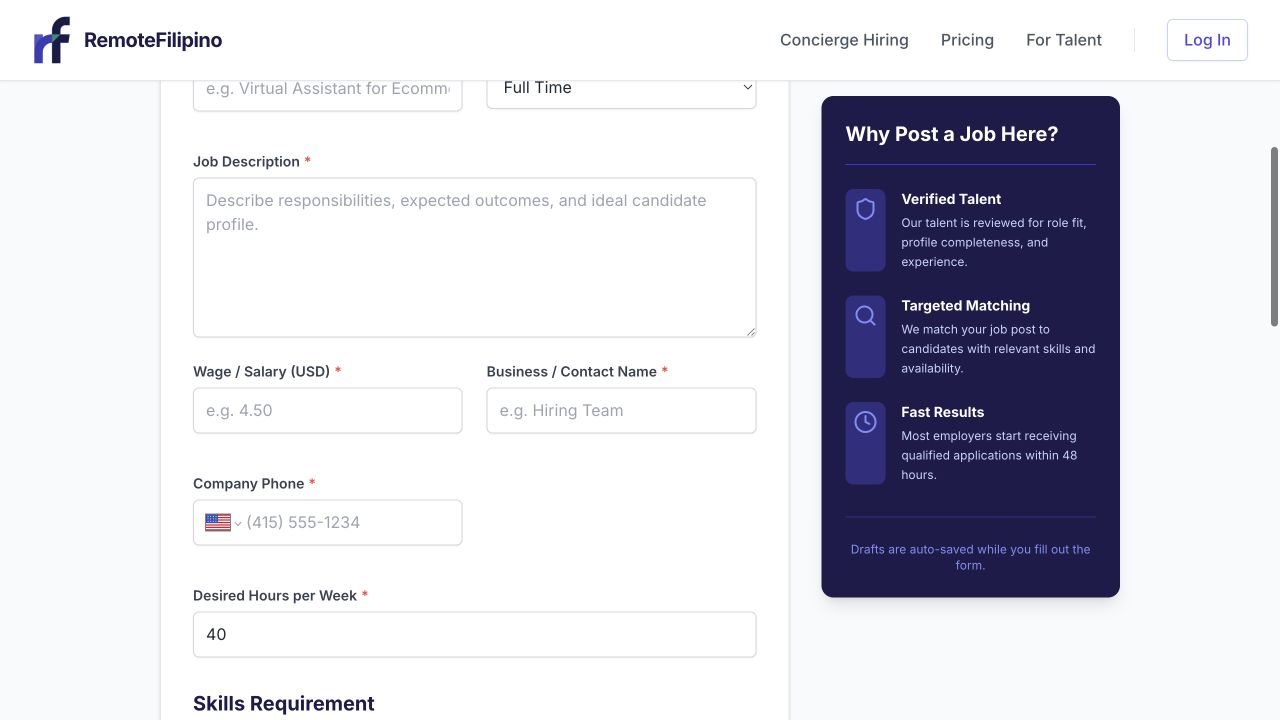
Write a concrete description and complete every required field before continuing.
- Open Post a Job.
- Use a standard, specific title candidates will search for.
- Describe the business context and why the role exists.
- List the recurring responsibilities in plain language.
- Separate essential requirements from helpful preferences.
- State schedule, time-zone expectations, and whether hours are fixed or flexible.
- Describe compensation accurately using the form’s supported fields.
- Add a small number of screening questions tied to actual decisions.
- Review the preview and submit once.
A title like Executive Assistant for US property team is more useful than Rockstar wanted. Replace broad claims such as must be good at computers with the actual tools and workflows. If training is available, say which parts can be learned.
Screening questions that improve review
Ask for brief evidence: a similar workflow completed, a tool used, schedule availability, or how the candidate would handle a realistic situation. Do not ask applicants to provide passwords, banking details, government IDs, or confidential client files. Avoid unpaid assessments that perform substantial production work for the company.
After submission
Open Jobs and check the listing status. Depending on the current account path and platform controls, a job may publish or may wait for review. A saved or submitted form is not automatically proof that talent can see it. Do not create duplicates while a listing is pending.
Once published, monitor Applications and Messages. Review promptly, update internal status consistently, and close the job when hiring ends. If important details change, edit the listing accurately and expect that material changes may affect visibility or require review.
Common posting problems
- Validation error: scroll to the first highlighted field and use the accepted format.
- Submission appears stuck: check Jobs before submitting again; the first request may have succeeded.
- Wrong company information: correct the company profile instead of hiding the issue in the job description.
- Job is not visible: confirm its current status, not only that the form was completed.
- Too few suitable applicants: make the title searchable, clarify must-haves, remove unnecessary restrictions, and consider direct talent search.
Contact support if the listing is missing after confirmed submission or its status remains inconsistent. Include company name, account email, job title or link, approximate submission time, browser, exact error, and screenshot.
Related guides
Was this article helpful?
Tell us whether this answered your question.