
For employers
Build a company profile candidates can trust
Use accurate identity, branding, business context, and contact information to reduce candidate uncertainty.
Candidates evaluate the employer as well as the job. A complete, accurate company profile makes your opportunity easier to trust and gives suitable people enough context to decide whether to apply. It does not constitute formal verification of every business claim, so keep information current and expect candidates to perform their own checks.
Complete the company identity
Open Profile in the employer workspace. Add the legal or commonly used company name, working website, description, headquarters or operating location, contact details, and recognizable logo. Include relevant public social links when they help a candidate confirm the organization. Use an email controlled by the company rather than a temporary address where possible.
Describe what the business does, who it serves, its working environment, and why the remote role exists. Avoid marketing language that hides the actual product or work. If you are an agency hiring for a client, state that clearly and explain which details can be disclosed at each stage.
Understand candidate-visible information
Some company identity or contact information may be limited in public talent views until the appropriate hiring connection or access exists. This is designed to support platform workflows and privacy, but it makes the job description itself especially important. Do not assume a candidate can see every employer field you see.
When a person asks whether a listing is legitimate, provide a professional explanation through the permitted channel. Never pressure applicants to ignore uncertainty or move immediately to an unverified private account.
Make each job reinforce trust
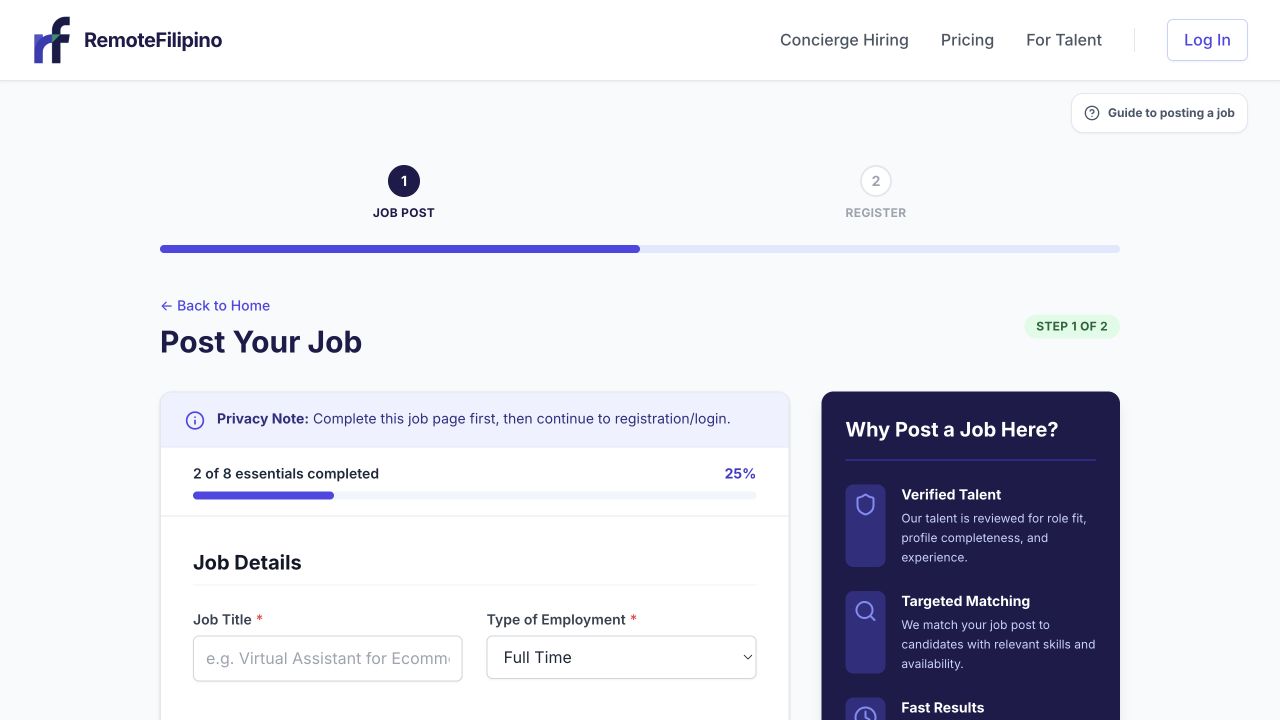
Job details and company context work together to help talent judge whether an opportunity is credible.
Use a clear title and explain responsibilities, reporting relationship, schedule, work arrangement, compensation, and selection steps. If there is an assessment, state its expected length and purpose. Avoid inflated compensation, contradictory hours, placeholder text, copied descriptions from unrelated companies, or requests that resemble money-transfer schemes.
Candidates should never be asked to pay for access to a job, purchase equipment from a required individual, receive and forward funds, share their sign-in code, or expose banking credentials during an application. Legitimate onboarding details can be handled after appropriate verification and agreement.
Keep the profile current
Review the profile when the company website, brand, recruiting contact, location, or hiring model changes. Correct broken links promptly. If several people recruit through one account, use approved team practices and do not share passwords or email codes. Close jobs that are no longer active so candidates are not applying to stale openings.
If your profile does not save
Check required fields, URL formatting, image type, and file size. Remove tracking parameters from social links and confirm the website includes https://. Save once, reload, and verify the result. If an image fails, use a standard PNG or JPEG and a simpler filename.
Contact support when accurate information is rejected, the public view differs materially from the saved version, or the account appears connected to the wrong company. Include company name, account email, profile URL, field affected, browser, exact error, and screenshot. Do not send passwords, sign-in codes, or full payment details.
Related guides
Was this article helpful?
Tell us whether this answered your question.