
For employers
Message applicants and manage conversations
Send purposeful messages, set expectations, protect sensitive information, and troubleshoot missing conversations.
Messages help employers and talent clarify fit and coordinate a next step. The platform currently supports text-based conversation; treat it as a professional hiring record. Access to start or continue a conversation can depend on the connection and account state shown in the product, so check the live account rather than relying on an old plan description.
Start with context
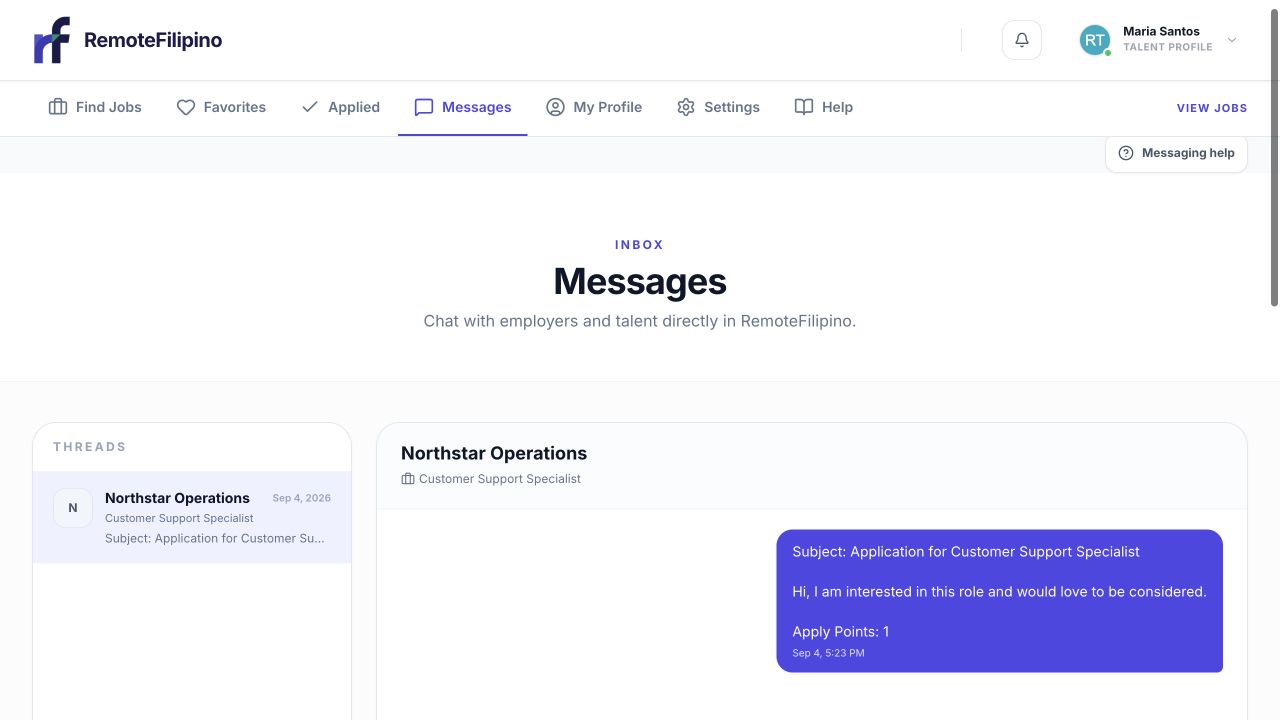
The inbox keeps the job context and full conversation together for both sides.
Open the relevant applicant, talent profile, or conversation and make sure you are discussing the correct job. Introduce yourself, name the company and role, mention the evidence that made the person relevant, and ask one clear next-step question. A good first message is specific enough that the recipient can recognize the opportunity.
For example, state that you reviewed their application for the customer support role, saw their experience with the named tool, and would like to confirm schedule before arranging a call. Avoid generic messages that look automated or ask the person to contact an unidentified account immediately.
Set a clear hiring sequence
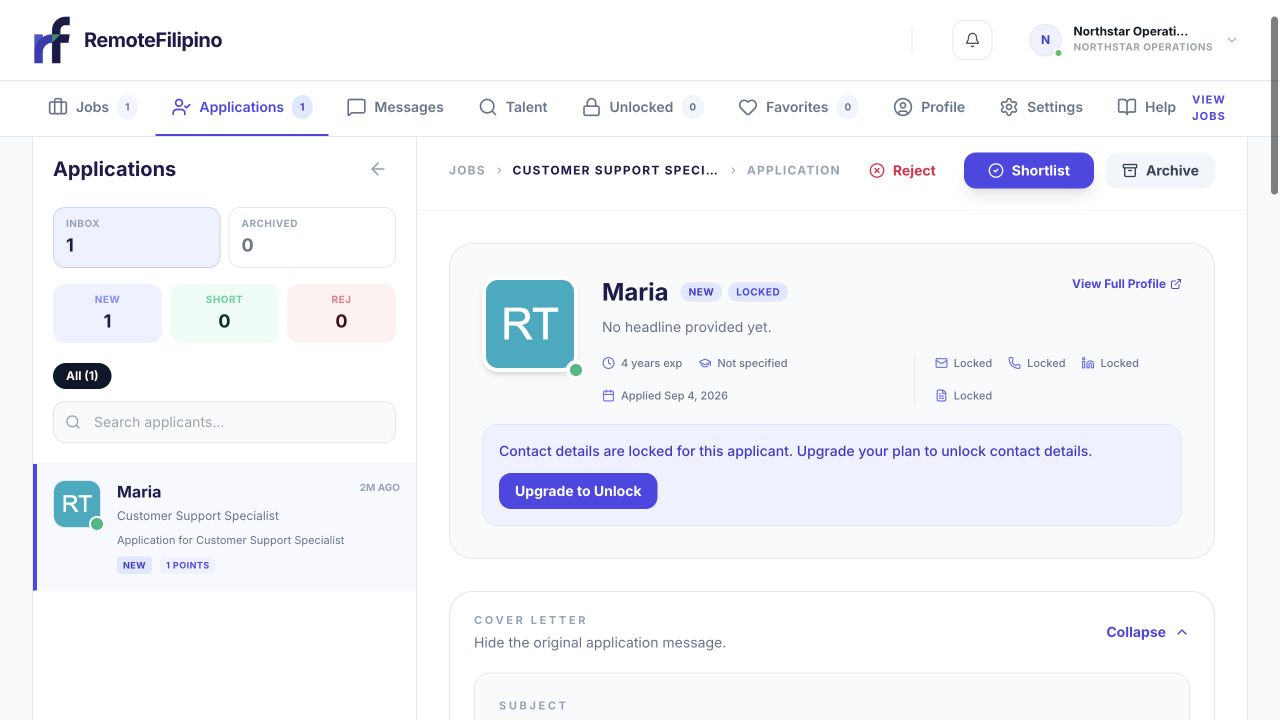
Review the application before sending a message so the first note can be specific.
Explain whether the next step is a written clarification, short introductory call, structured interview, or relevant assessment. Include expected length, participants, time zone, and a few time options. If you move to an external meeting tool, keep the platform conversation clear enough to establish who invited whom and for which job.
Do not promise employment before required evaluation and agreements. Do not ask candidates to pay a fee, purchase equipment from a specified individual, receive and forward money, share passwords or sign-in codes, or install unverified remote-access software. Handle necessary identity, tax, or payment information only through an appropriate secure process at the correct hiring stage.
Manage replies professionally
Respond promptly during an active process, even when the update is that a decision needs more time. Keep questions job-related and follow applicable employment and privacy law. Avoid requesting protected personal details or information not needed to evaluate the role.
If a candidate does not reply, one concise follow-up is usually enough. Confirm your message explains the company, role, and required action. A sent message does not guarantee delivery outside the platform, a response, or continued interest. Do not repeatedly contact unrelated personal accounts.
If a conversation is missing
Confirm you are signed into the employer account that owns the job or connection. Clear any message filters, select the correct thread, and reload. If you recently unlocked a person or received an application, return to that profile and use the available action again without purchasing access twice. Previously unlocked talent should remain identifiable in the Unlocked area.
Text attachments are not supported in the same way as message text. If you must share a document or meeting link, use a trusted service, restrict access to the intended recipient, and avoid files containing unnecessary personal or company secrets.
When to contact support
Contact support if a sent message never appears in the thread, a known conversation disappears, the unread count is inconsistent, or an eligible contact action is unavailable. Include company name, account email, job and talent links, approximate time, exact error, browser, and screenshot. Do not send complete credentials, card details, or confidential candidate documents.
Related guides
Was this article helpful?
Tell us whether this answered your question.