
Getting Started
Start here: find remote work as Filipino talent
Follow the shortest path from a new account to a complete profile and a well-targeted first application.
RemoteFilipino connects Filipino professionals with employers hiring for remote roles. Your profile, job search, and applications all live in one talent account. This guide gives you the shortest reliable path from sign-in to a strong first application.
1. Use the right account
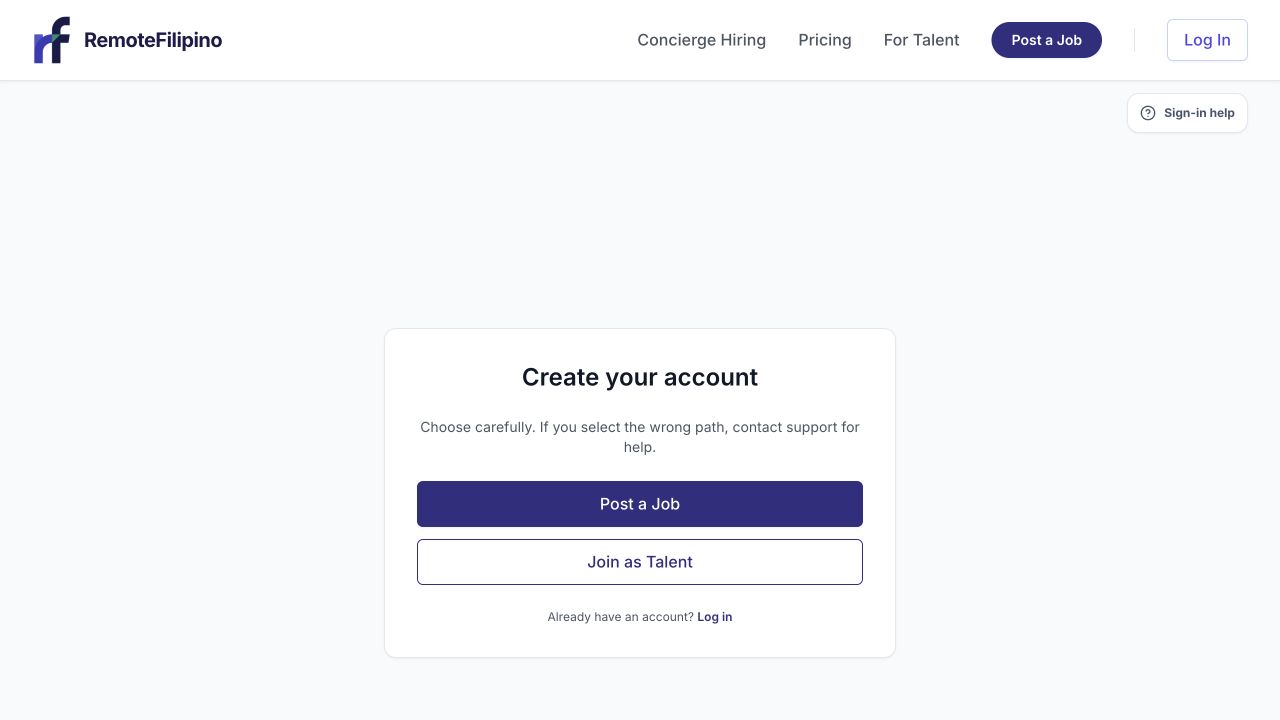
Choose Join as Talent when your goal is to create a profile and apply for remote work.
Create or sign in to your talent account with an email you can keep using. When asked for an account type, choose Talent looking for work. An account type cannot currently be changed through Settings after it is assigned, so contact [email protected] if you selected the wrong one. Do not create several accounts to work around the problem.
2. Complete the profile employers review
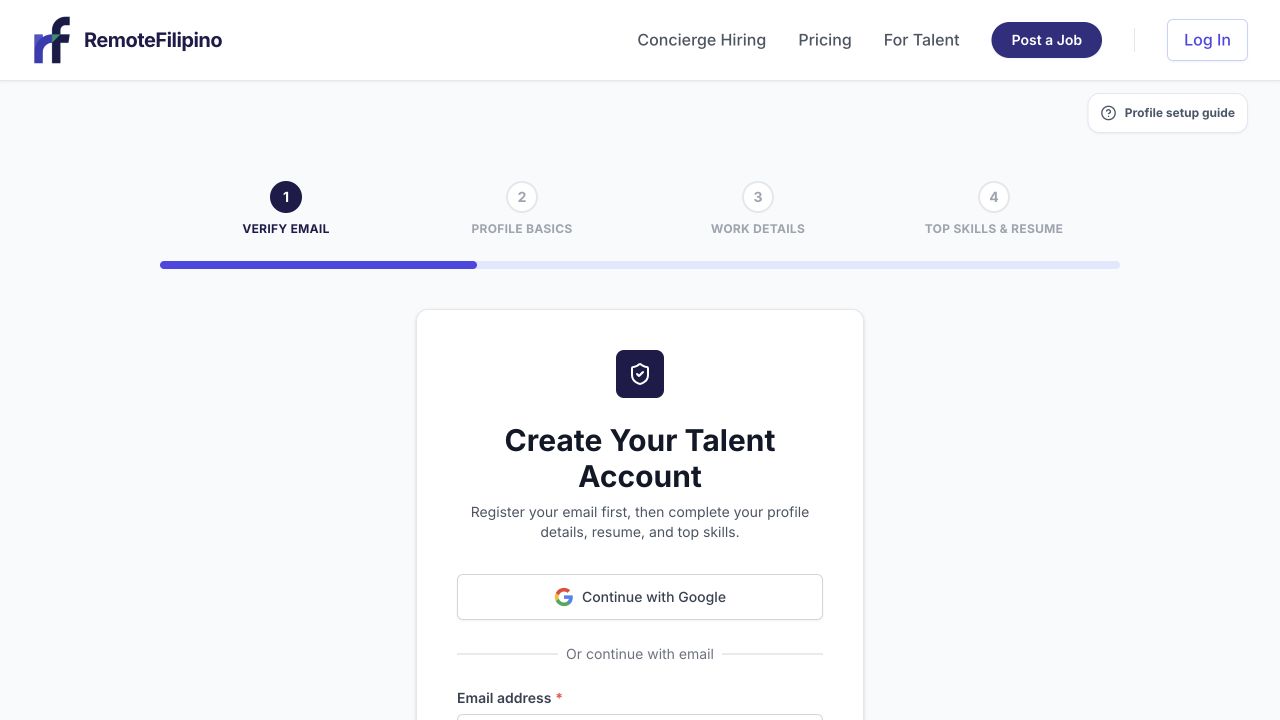
Talent onboarding progresses from email verification through profile basics, work details, skills, and résumé.
Open My Profile and add accurate, current information. Prioritize your name, professional headline, experience, core skills, work preferences, and a clear summary of the value you can provide. Add a professional photo and upload a current résumé when requested. Résumés must be PDF files and must stay within the size shown in the form.
Treat the profile as evidence, not a list of claims. Mention tools you have used, the work you personally completed, and measurable outcomes when you can. Never add skills, employers, or credentials you cannot explain in an interview.
3. Find suitable jobs
Open Find Jobs. Search using the role, skill, or tool an employer is likely to name. Use filters to narrow a long list, but remove filters if they leave you with no results. Read the full description, work arrangement, schedule, experience expectations, and application questions before deciding to apply.
A smaller number of relevant applications is more useful than applying to every listing. RemoteFilipino may pace applications using Apply Points and job-level application limits. The application screen shows the information that applies when you submit.
4. Submit a specific application
Open the job and select Apply. Confirm your profile and résumé are current, choose the Apply Points you want to use, and answer the employer’s questions directly. Explain why your recent experience fits this role rather than sending a generic introduction. Review everything before submitting because an application is shared with the employer.
5. Track the result
Open Applied to confirm submission and revisit the job. A submitted application means it reached the platform; it does not guarantee that the employer will reply, interview, or hire. Keep applying to suitable roles while you wait and keep your contact details current.
If something blocks you
- Profile will not save: check required fields and file type, then retry without browser extensions.
- No jobs appear: clear filters and try a broader skill or role term.
- Apply button is unavailable: read the displayed status and check Apply Points or the job’s application availability.
- Sign-in opens the wrong workspace: verify the email and account type.
If the problem remains, contact support with your account email, the job link, the exact error, the approximate time, browser, and a screenshot. Never send a password or sign-in code.
Related guides
Was this article helpful?
Tell us whether this answered your question.