
For talent
What happens after you apply
Confirm delivery, understand employer-controlled outcomes, and keep your job search moving while you wait.
After submission, your application becomes available to the employer for that job. RemoteFilipino can confirm that the platform recorded it, but the employer controls review timing, interviews, shortlisting, and hiring. A submitted or viewed application does not guarantee a personal response.
Confirm that the application exists
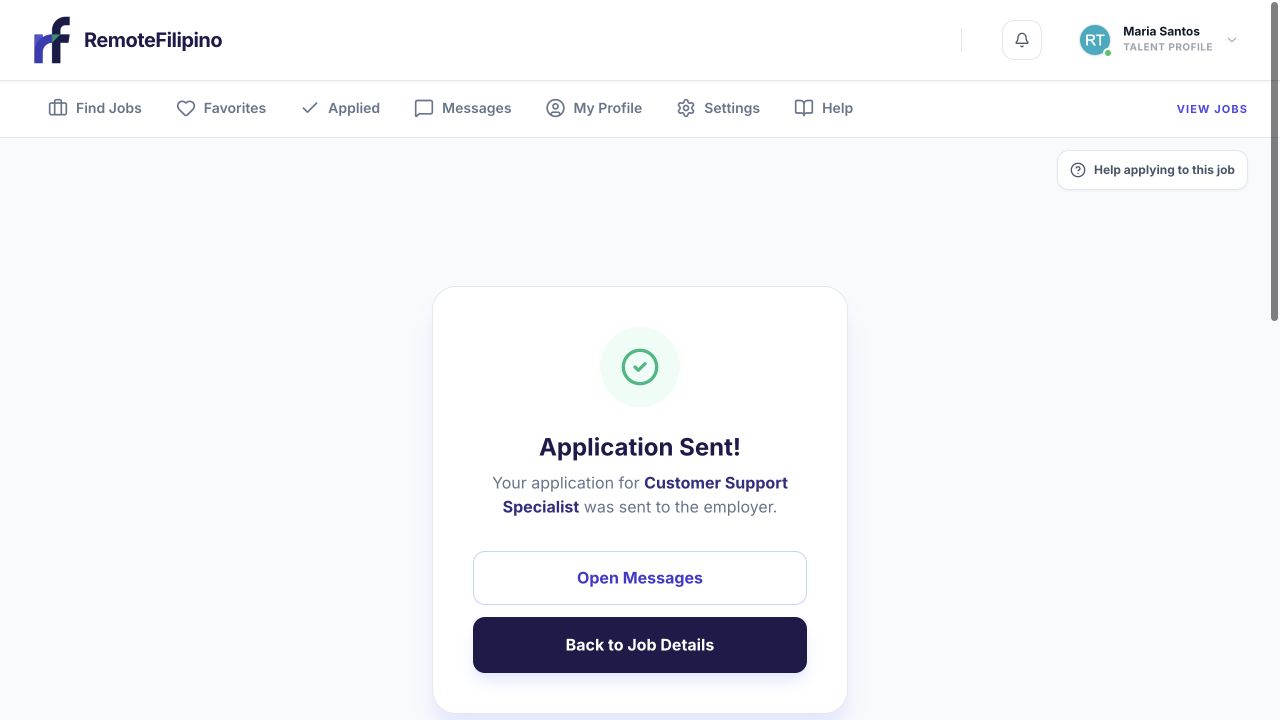
A successful submission ends with an Application Sent confirmation and a route to Messages.
Open Applied. Find the job and verify that it appears in the list. This is the best first check after a slow confirmation page or uncertain network response. Do not resubmit merely because the employer has not replied; duplicate attempts do not improve fit and may not be possible.
The job itself may later be paused or closed. That does not necessarily mean your application was deleted. It usually means the employer is no longer accepting new applications or has changed the listing state. Keep a personal note of the job title and date applied if you are tracking several roles.
How employers review applications
Employers can compare your answers, profile, skills, experience, and résumé. They may shortlist internally, save a profile, start a platform conversation, or use available contact details after gaining access. Each employer’s process and timing are different. RemoteFilipino cannot require an employer to interview every applicant or disclose a private hiring decision.
No reply is common in competitive hiring and is not proof that the platform failed to deliver your application. The employer may still be reviewing, may have contacted only a shortlist, may have paused hiring, or may have filled the role outside the platform.
Messages and contact
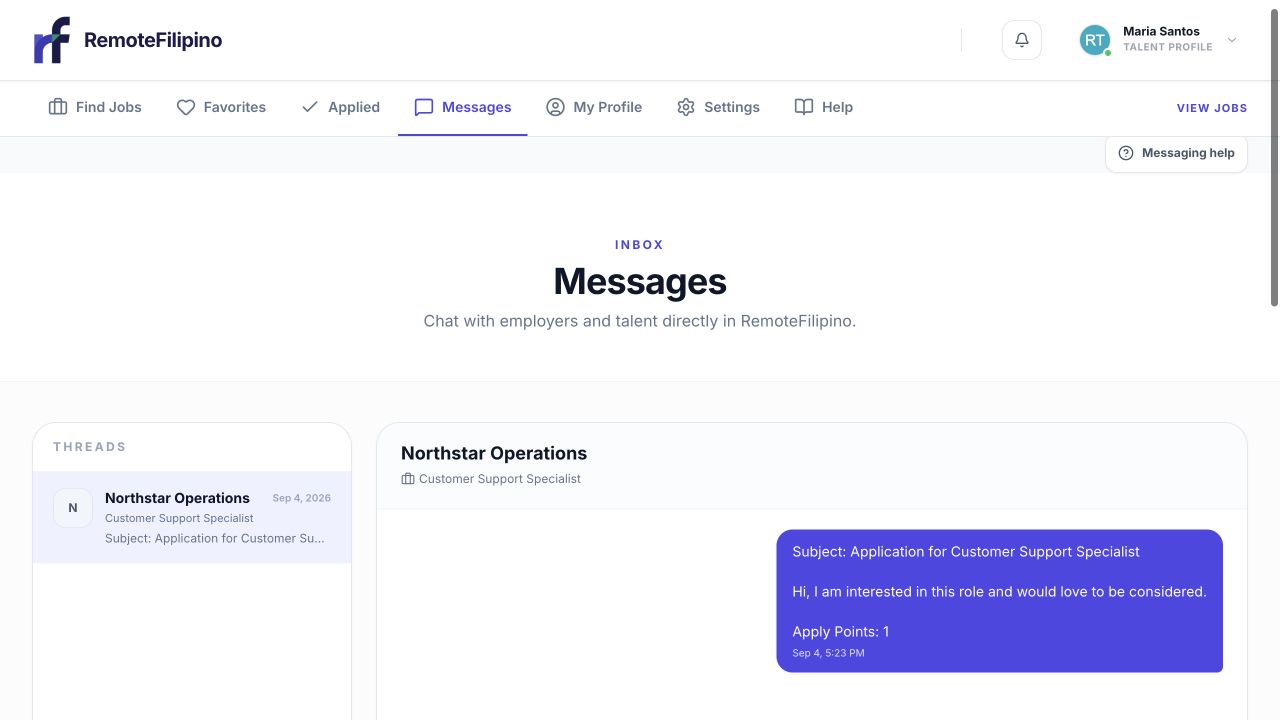
Application and follow-up messages remain together in the related conversation.
Check Messages, your account email, spam folder, and current phone or professional links. Platform messages are text-based; write clearly and avoid sending sensitive information. Respond promptly, but verify the company and request before sharing identity documents, financial details, or access to accounts.
An employer may choose an external contact route when it has legitimately unlocked the profile information available. Keep those details current. If someone claims to represent a job you do not recognize, ask for the listing and company details and report suspicious activity.
Should you follow up?
Use the contact route the employer has provided. One concise, relevant follow-up can be reasonable after an interview or active conversation. Do not repeatedly message, search for private contact details, or approach unrelated employees to force an update. If no conversation has started, continue your search instead of waiting on one application.
What to do while waiting
- Apply to other suitable jobs rather than stopping after one submission.
- Improve the first lines of your profile and make evidence easier to scan.
- Keep résumé, availability, email, phone, and links current.
- Build role-relevant skills and safe portfolio examples.
- Review which applications were strongest and refine future answers.
When support can help
Support can investigate a missing record, inconsistent status, broken message page, or credible safety report. Support cannot make an employer reply, reveal private hiring notes, promise a timeline, or guarantee a job.
For a technical issue, include the account email, job link, date and approximate time applied, status shown in Applied, browser, exact error, and screenshot. For suspicious contact, include the sender details and message without sending unnecessary identity or financial information.
Related guides
Was this article helpful?
Tell us whether this answered your question.