
Account
Contact RemoteFilipino support effectively
Send the identifiers, timeline, expected result, actual result, and screenshot support needs—without exposing secrets.
Search the Help Center first for immediate product instructions. For an account-specific problem, email [email protected] or use the support widget where available. Support is asynchronous and should not be treated as guaranteed instant live chat or a guaranteed phone callback.
Choose the right route
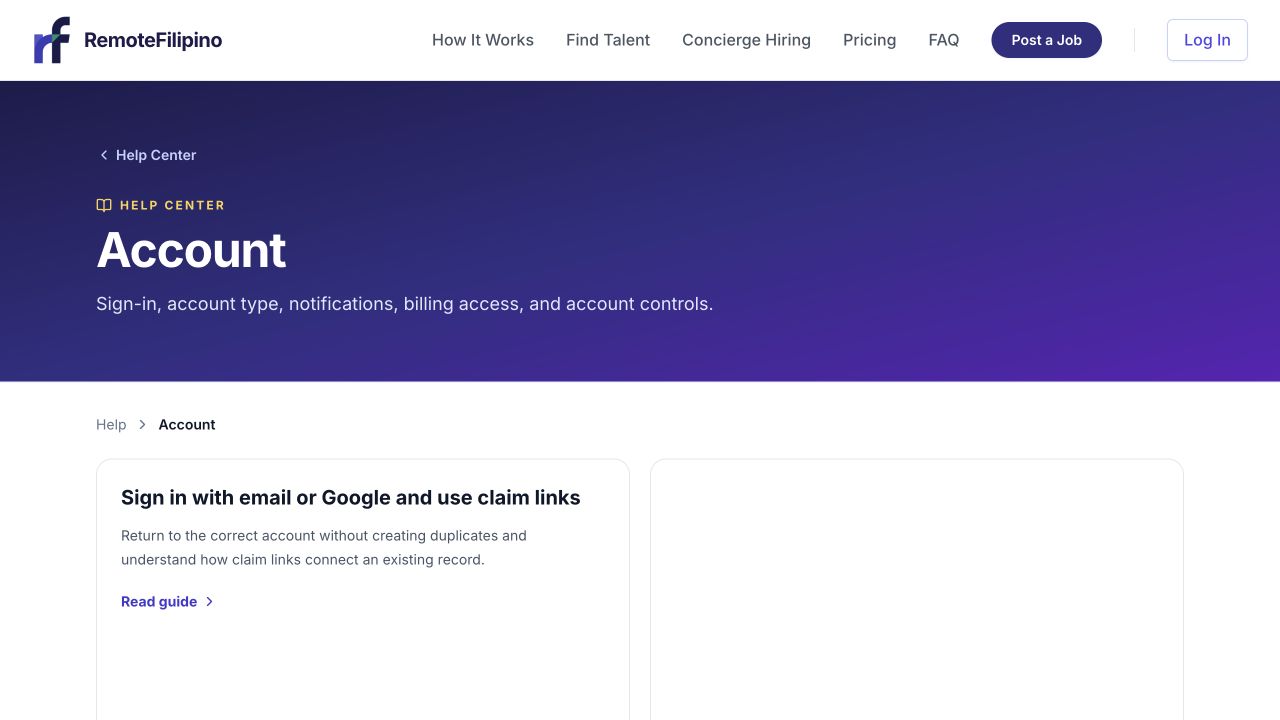
Check the Account collection first for sign-in, billing, notification, and account-control answers.
- How-to question: search Help using the task or exact error.
- Account, profile, listing, application, message, unlock, or billing issue: contact support.
- Suspicious job, candidate, message, or payment request: preserve evidence and report it promptly.
- Concierge or placement fit: use the contact action on the current service page or email support with the service and role in the subject.
- Privacy or legal request: follow the contact route in the current Privacy Policy or Terms.
Include a reproducible report
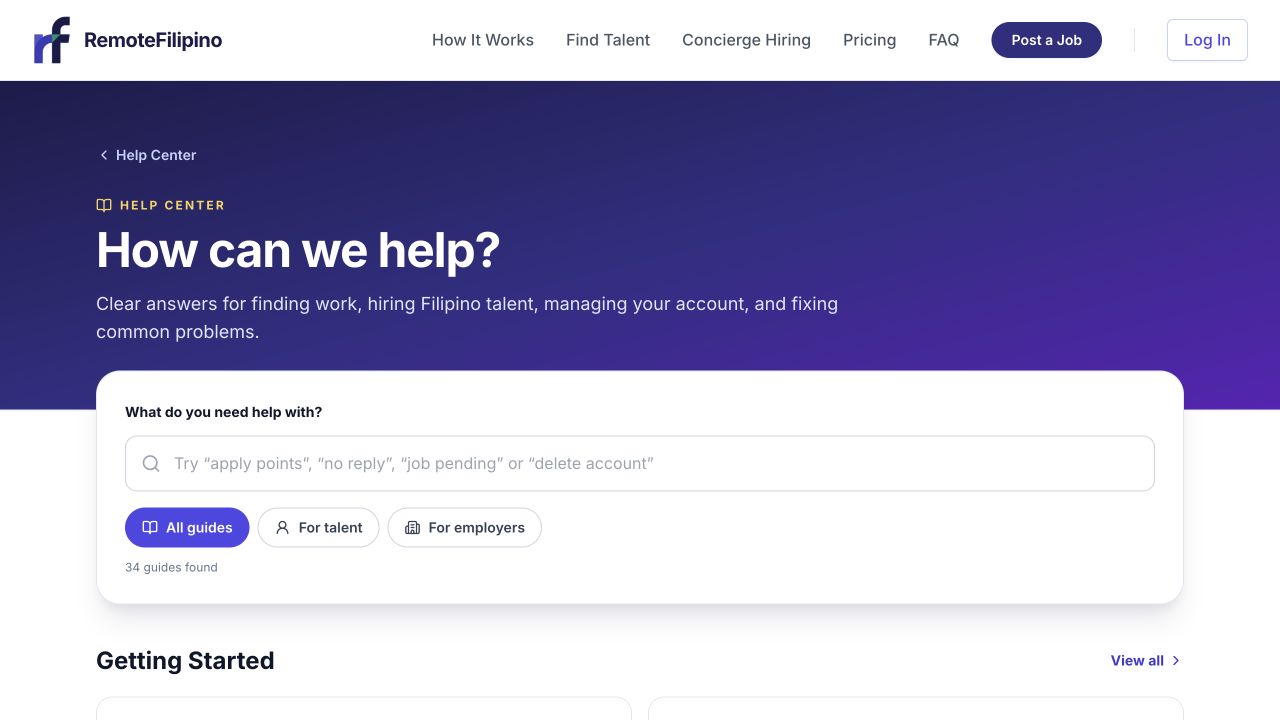
Search the Help Center first so you can include the relevant guide and remaining problem in your support request.
Provide the account email, company or talent profile name, page URL, relevant job, application, profile, or conversation link, action attempted, expected result, actual result, exact error, approximate date and time with time zone, browser and device, and a screenshot. Mention whether the issue repeats in a private window.
For payment issues, include the official transaction or receipt reference, date, amount and currency displayed, and purchase email. Mask all but the last few digits of a payment method. For Apply Points, provide the balance before and after and the job link. For a missing employer reply, understand that support can confirm technical records but cannot make another user respond.
Protect sensitive information
Never send passwords, email sign-in codes, complete card or bank details, government identity documents unless a secure verified process specifically requires them, or confidential client/customer data. Redact unrelated candidate résumé details and private messages from screenshots. Support staff do not need remote control of your device to diagnose an ordinary account issue.
Verify that email goes to the official RemoteFilipino address and that links use the expected domain. Be cautious of someone claiming to be support through Telegram, WhatsApp, or social media and requesting money, crypto, gift cards, or credentials.
Write a useful subject and timeline
Use a subject such as Talent application missing — job title — date or Employer payment succeeded but access missing — company name. Put steps in the order they happened. If an issue changes after you send the report, reply to the same thread so the investigation remains connected. Avoid sending the same case from several email accounts.
What support can and cannot do
Support can investigate account state, technical errors, recorded submissions, billing connections, policy reports, and current product behavior. It can explain the applicable workflow and escalate a genuine defect. Support cannot guarantee a job, applicant count, candidate response, employer reply, interview, hire, or business outcome; reveal another user’s private data; or override legal and safety controls without verification.
For urgent safety concerns
Stop engaging, do not pay or transfer money, secure affected accounts, and contact the relevant bank or platform when financial or credential exposure is possible. Send RemoteFilipino the listing or profile URL, sender identity, message text, time, and evidence. Do not continue a suspicious exchange merely to collect more proof.
Related guides
Was this article helpful?
Tell us whether this answered your question.