
Account
Choose or correct your account type
Choose the workspace that matches your goal and contact support if an existing account was assigned incorrectly.
RemoteFilipino uses account type to provide the correct workspace and protect role-specific actions. Choose based on what you are doing on the platform, not your job title inside a company. A person recruiting for their employer needs an Employer account; a person seeking remote work needs a Talent account.
Talent account
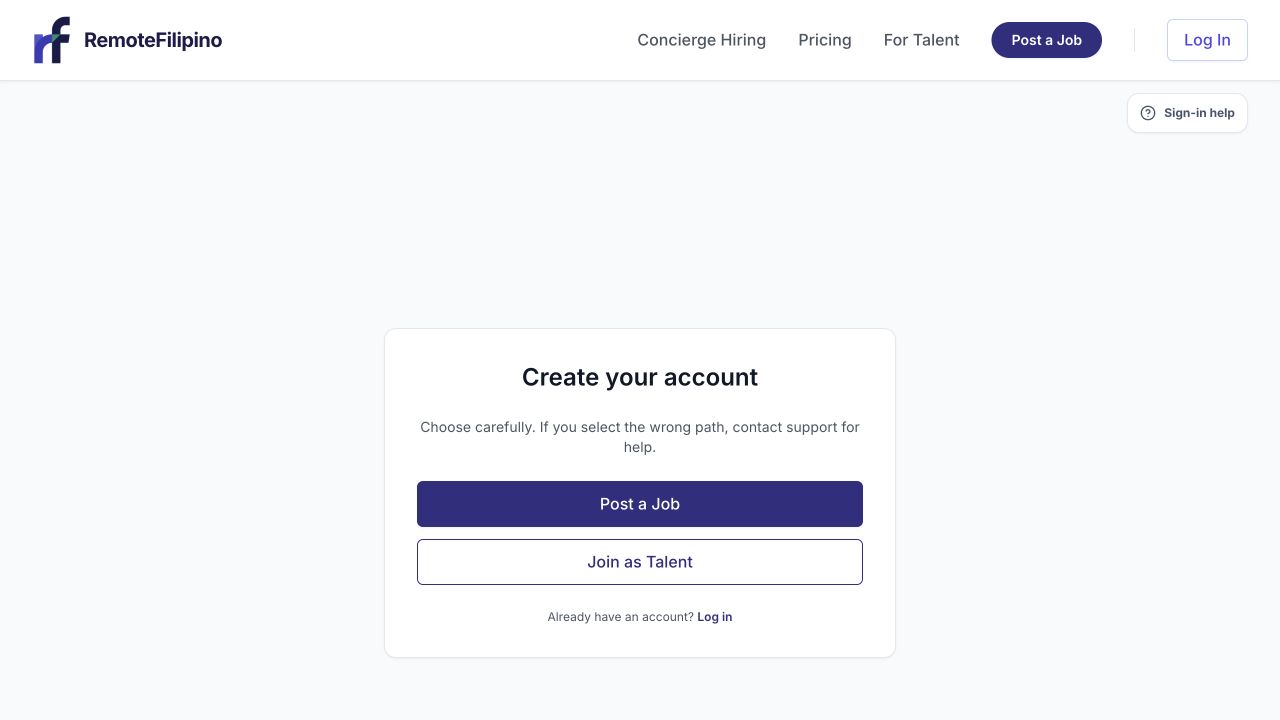
The first account decision separates the employer job-posting path from the talent profile path.
Choose Talent looking for work when you want to create your professional profile, find jobs, save favorites, submit applications, track Applied jobs, and communicate with employers. A recruiter, staffing operator, or business owner should not use a Talent account to post openings or collect applicant information.
Employer account
Choose Employer looking to hire when you represent a company or legitimate hiring organization, want to post jobs, review applicants, search talent, send invitations, unlock available contact details, or manage hiring conversations. An Employer account is not intended to make a candidate profile or submit job applications.
Choose during first sign-in
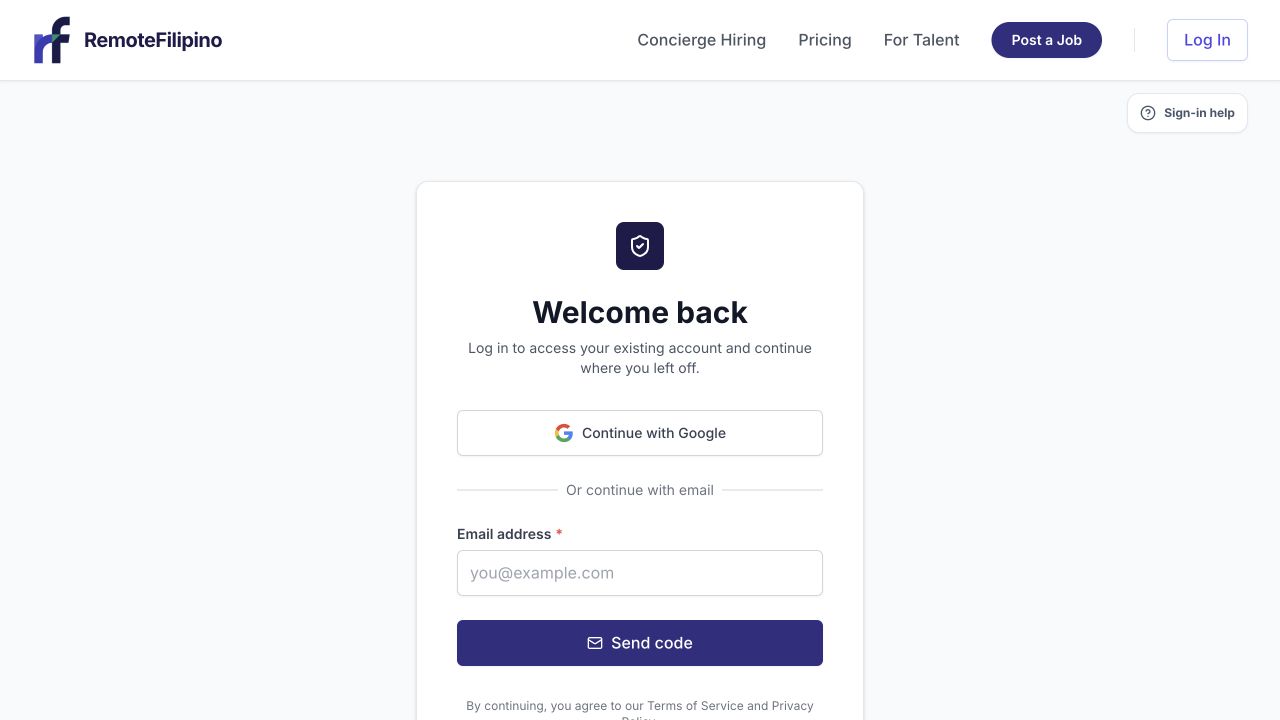
Existing users should sign in instead of creating a second account with a different role.
After authenticating, read both choices before continuing. Use an email connected to the long-term account owner. Employers should prefer an address the organization can retain, while talent should use a personal professional address they can access reliably. Complete only the onboarding flow for the selected role.
Once a role is assigned, the backend protects it from normal self-service switching. Settings does not currently provide a Talent-to-Employer or Employer-to-Talent conversion. This prevents hiring records, applications, billing access, and contact data from being exposed in the wrong workspace.
If you chose the wrong account type
Do not create duplicate profiles, buy access again, or use another person’s credentials. Sign out, verify the email shown, and confirm whether a separate correct account already exists. If the current account itself is wrong, contact [email protected].
Include the account email, current role, intended role, whether the account has a talent profile, company profile, applications, jobs, messages, unlocks, or billing activity, and a screenshot of the page reached. Support must assess the records before changing or advising on the account because not every mixed account can be safely converted.
If you need both activities
Hiring and job-seeking data should remain clearly separated. Contact support before opening a second account so the intended email ownership and company relationship can be documented. Never use employer access to retrieve candidate information for a non-hiring purpose or use a talent identity to evade employer controls.
Wrong-page redirects
The application may send you away from a route your role cannot use. For example, a Talent account should land in the jobs and profile experience, while an Employer account should land in jobs, applications, and talent tools. A redirect is often role protection, not a broken link.
If redirects loop, retry in a private window and sign in with the intended email. Then contact support with the starting URL, destination URL, time, browser, and role shown. Never send a password or email sign-in code.
Related guides
Was this article helpful?
Tell us whether this answered your question.