
Account
Sign in with email or Google and use claim links
Return to the correct account without creating duplicates and understand how claim links connect an existing record.
RemoteFilipino supports the sign-in methods shown on the authentication page, including email-based access and Google where available. Use the same email identity you used during talent registration, employer onboarding, payment, or a claim flow. Switching addresses can create what looks like an empty or separate account.
Standard sign-in
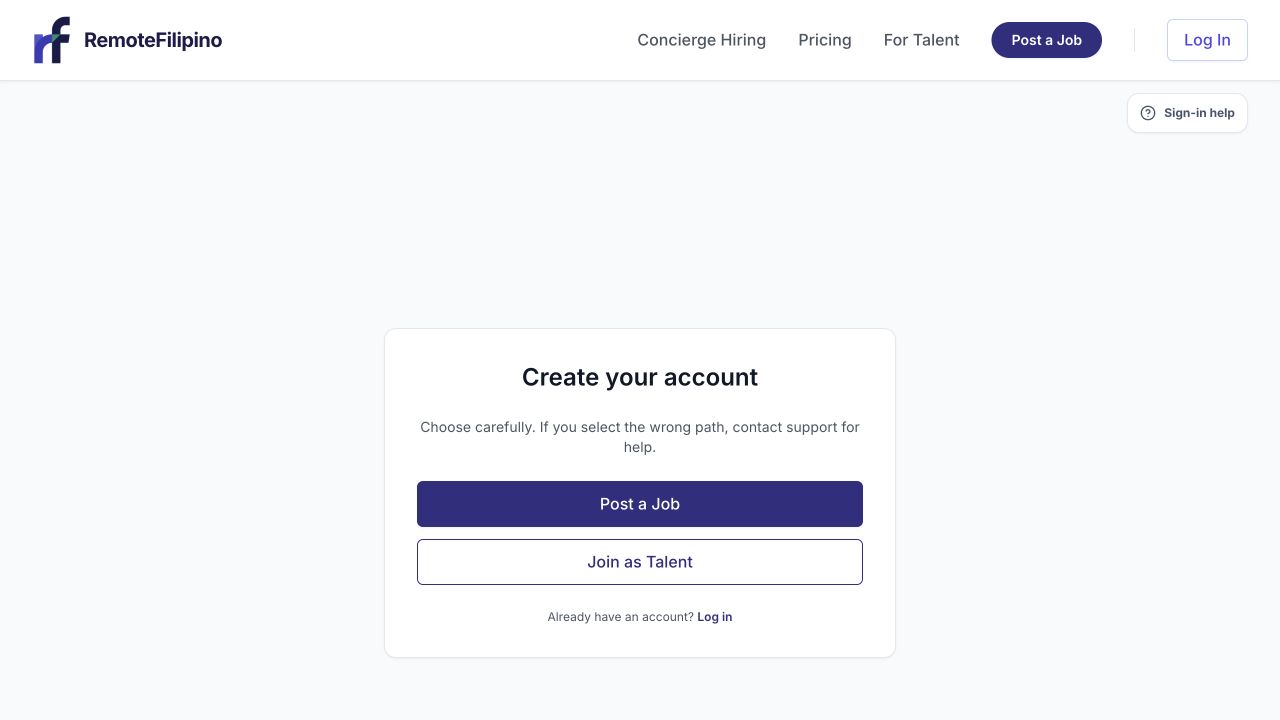
The create-account screen is for new users; returning users should go back to Log In.
- Open the sign-in page from the main navigation.
- Enter the email attached to your RemoteFilipino activity, or continue with the correct Google account.
- Complete the newest email-code or Google authorization step.
- If this is a new account, choose Talent or Employer carefully.
- Continue to the workspace and verify your existing profile or company appears.
Never share a sign-in code with support, an employer, a candidate, or another person. RemoteFilipino staff do not need it to investigate your account.
If the email message does not arrive
Confirm the spelling, check spam and promotions, and wait for the newest message before requesting another. Use only the latest valid code or link because a newer request can invalidate an earlier one. Company users should ask their mail administrator whether automated authentication mail is quarantined.
Retry in a private window with extensions disabled if the page loops or a button is blocked. Keep cookies enabled for the authentication flow. Do not submit many requests in rapid succession; this can make it unclear which code is current.
If Google opens the wrong account
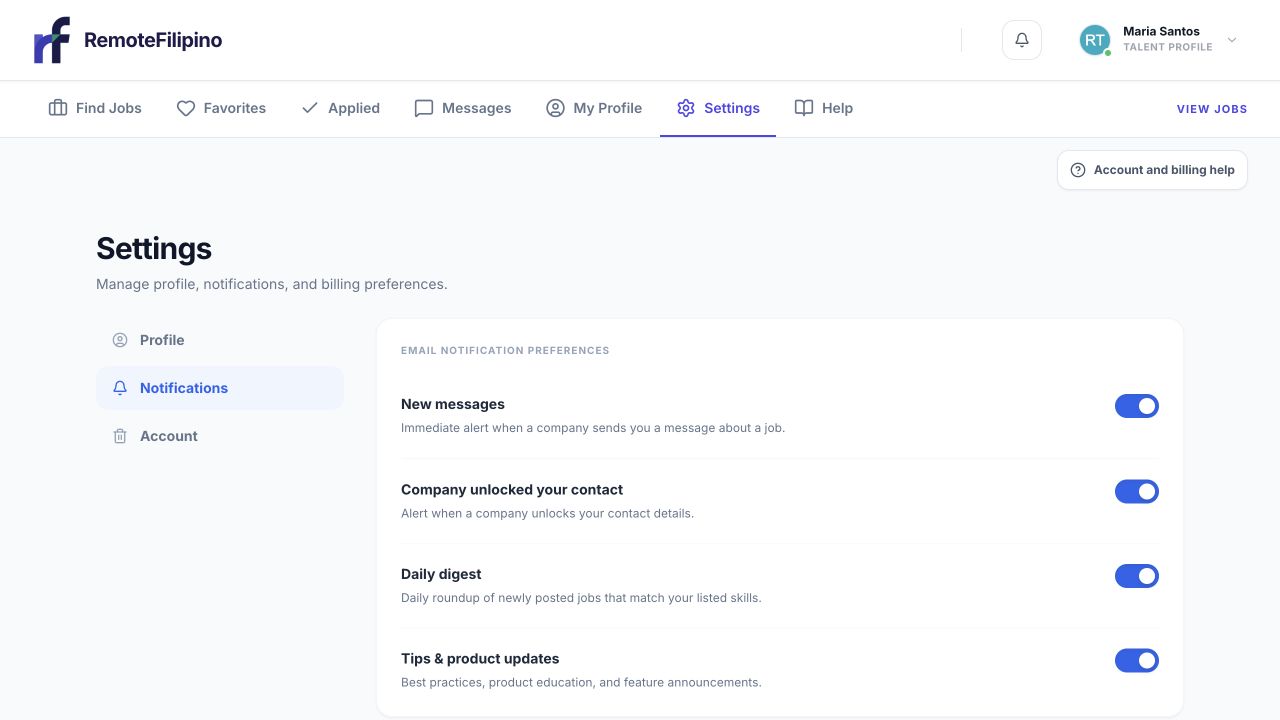
Account-specific recovery and role guidance lives in the Account collection.
Sign out of RemoteFilipino and choose the intended Google identity explicitly. If Google returns you to an empty profile, stop before entering duplicate data. Check which email is displayed and sign in again with the original account address. Support can investigate identity conflicts, but should not be asked to merge accounts without first confirming ownership.
Choose the right account type
Talent accounts find work, create a profile, and apply. Employer accounts post jobs, review applicants, and browse talent. Once assigned, account type cannot currently be changed through Settings. If you chose the wrong role, contact support instead of creating several accounts.
Use a claim link safely
A claim link connects a pre-existing talent or company record with an authenticated owner. Open only a link you expected, check that it belongs to the RemoteFilipino domain, and sign in using the intended ownership email. Review all imported information after claiming and correct anything outdated.
A claim link may expire, may already have been used, or may be tied to a different email or record. Do not forward it publicly. If it fails, copy the non-sensitive page URL and exact message for support; never send the resulting login code.
Deletion recovery
If the account is inside its recovery period after a deletion request, signing in with the same email can route you to account recovery rather than the normal workspace. Follow Delete or recover your account.
Contact support after these checks with the account email, sign-in method, expected page, actual page, approximate time, browser, and screenshot. Do not include passwords, codes, or unnecessary identity documents.
Related guides
Was this article helpful?
Tell us whether this answered your question.