
Account
Cancellation, refunds, and guarantee requests
Treat cancellation, refund, and guarantee eligibility as separate processes governed by the terms attached to the purchase.
Cancellation, refund, and guarantee are separate concepts. Canceling prevents a future renewal according to the billing portal; it does not automatically refund the current or previous term. A refund or guarantee request must be assessed against the current legal terms and the specific terms accepted at purchase.
Cancel future renewal
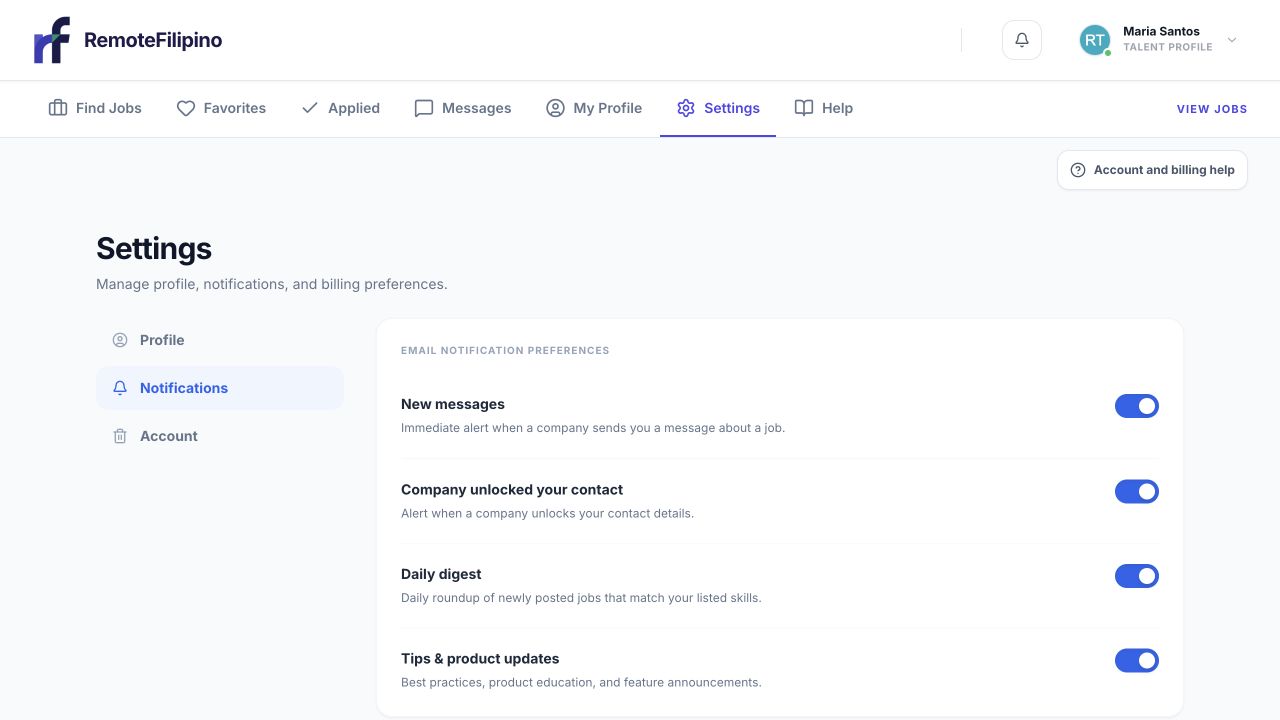
Open Settings and choose Account when you need account-level controls or cancellation guidance.
Sign in with the account that owns the purchase, open Settings, enter the billing portal, and use the cancellation control. Read the effective date before confirming and save the resulting confirmation. Access may remain through the paid period displayed, but the portal is the source of truth for that subscription.
If the portal fails near a renewal date, contact support immediately with the account email and error. Do not wait for a later charge and assume an unsuccessful cancellation attempt was recorded. A screenshot and timestamp help establish what happened.
Requesting a refund
A refund request is not created merely by canceling or deleting the account. Review the current Refund Policy, Terms of Service, and any service-specific checkout agreement. Submit the request through the contact route stated there and within any applicable deadline. Legal terms control if an older help article, sales message, or screenshot differs.
Include the account email, company or talent name, transaction reference, purchase date, product or service, reason, and the outcome requested. Do not send complete card or bank information. Support may need to verify use, fulfillment, account activity, and eligibility before providing a decision.
Guarantee language
A guarantee applies only to the outcome, period, eligibility conditions, and required customer actions explicitly described in the governing offer or terms. It should not be interpreted as a promise of a particular applicant, employer reply, interview, hire, employee tenure, or business result unless the written terms say exactly that.
Keep evidence that you completed required steps: profile completion, job brief, timely feedback, outreach, interviews, or other milestones. A general statement that results were disappointing may not establish the conditions of a service-specific guarantee.
Before filing a chargeback
Contact support first for an account or fulfillment problem so the team can identify the purchase and applicable terms. A bank dispute can restrict the account and complicate a parallel refund review. This does not remove any rights you may have through your payment provider or applicable law. For suspected unauthorized payment, protect the payment method and notify the provider promptly.
What happens to product access
Cancellation, refund approval, chargeback, failed renewal, expiry, and account deletion can affect access differently. Check the billing portal and authenticated product. Previously unlocked contacts, unused credits, applications, and messages may each follow the applicable terms and product state; do not assume they all disappear or remain.
Contact support safely
Use [email protected]. Include relevant dates, receipts, account email, company or profile name, the current portal status, and screenshots. Mask full payment credentials and never send a password or sign-in code. Allow support to identify the transaction before submitting duplicate requests through several channels.
Related guides
Was this article helpful?
Tell us whether this answered your question.