
For talent
Apply for a job with a strong application
Check fit, update your evidence, answer the employer directly, and confirm the application was submitted.
A useful application makes it easy for an employer to see why your current skills and availability fit one specific job. RemoteFilipino shares your application with the employer, but submission does not guarantee a reply, interview, shortlist, or hire. Focus on relevance and accuracy rather than sending the same message everywhere.
Check the full job first
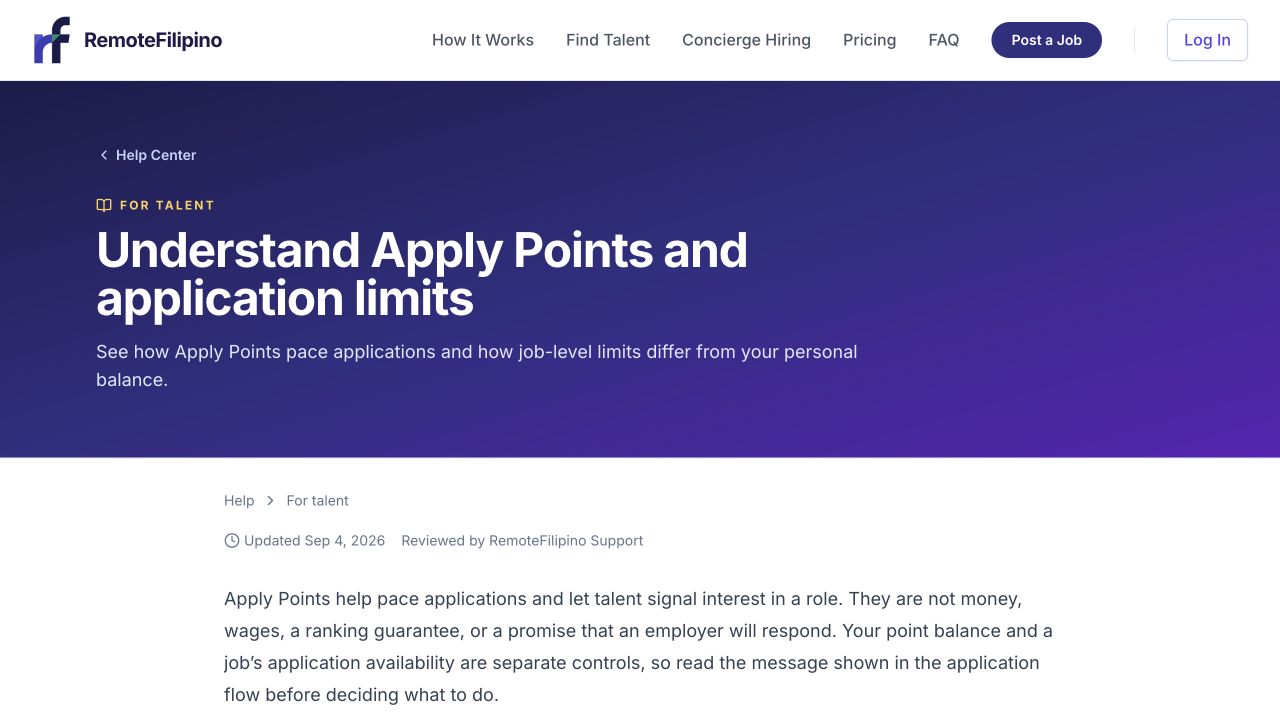
Check the application requirements and your available Apply Points before submitting.
Read the responsibilities, required experience, tools, schedule, time-zone expectations, work arrangement, compensation information, and screening questions. Decide whether you can meet the essential requirements without exaggerating. If one requirement is unclear, explain the closest honest experience rather than claiming an exact match.
Watch for unsafe requests. You should not need to pay an employer, receive or transfer money, buy gift cards, share a sign-in code, or install unknown software merely to apply. Report suspicious listings before continuing.
Prepare your profile and résumé
Open My Profile and confirm the headline, skills, experience, availability, contact details, and résumé are current. The résumé uploader accepts PDF files within the size shown by the form; the current maximum is 5 MB. Use a readable filename and remove unnecessary sensitive personal data.
If the listing asks for a portfolio, introduction video, or other evidence, provide a working link only when the form supports it. Test the link in a private window and make sure the employer can access it. Do not upload confidential client material without permission.
Write specific answers
- Open the job and select Apply.
- Read every question before writing.
- Lead with the most relevant recent experience.
- Name tools, tasks, customer types, or outputs that match the role.
- Give a short example or measurable result when true.
- State schedule or time-zone compatibility clearly.
- Choose the Apply Points you want to commit based on the current balance and fit.
- Proofread, then submit once.
A strong answer is concise but concrete. For example, instead of saying I am hardworking and interested, explain that you handled a particular workflow, used the named system, and achieved a relevant result. Do not paste a generic cover letter that ignores the employer’s questions.
Confirm submission
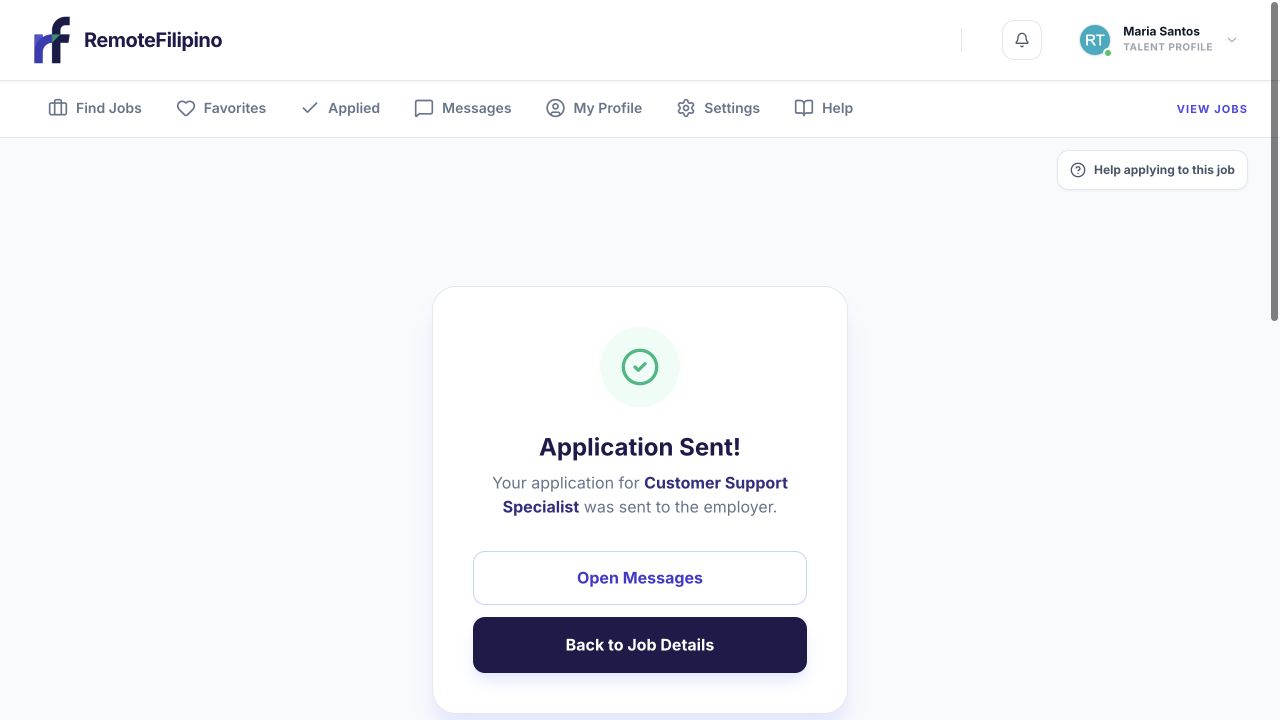
This confirmation is the clearest sign that the application reached the employer.
Wait for the confirmation state, then open Applied. The job should appear in your application history. If the page is slow, check Applied before clicking submit again. Save the listing URL and note the approximate time if anything looks inconsistent.
Why an application may be blocked
The profile may be incomplete, the job may be paused or closed, the listing may have reached its application limit, the selected Apply Points may exceed your balance, or a required answer may be missing. Validation messages on the page are more useful than repeatedly refreshing. Correct the displayed issue and try once more.
After applying
Employers control their hiring process and may contact only a shortlist. Keep applying to other suitable jobs and update your profile as your experience or availability changes. Do not pressure the employer through unrelated channels or send repeated follow-ups when no contact route has been offered.
Contact support when an application is absent from Applied after a confirmed submission, or an error remains after correcting the displayed fields. Include your account email, job URL, point amount, exact error, time, browser, and screenshot.
Related guides
Was this article helpful?
Tell us whether this answered your question.