
Account
Delete or recover your account
Know what deletion changes immediately, how the recovery window works, and when data is permanently removed.
You can request account deletion from Settings. The account is deactivated immediately and scheduled for permanent deletion after a 30-day recovery period. Signing in with the same email during that window can take you to the recovery flow. After permanent deletion, recovery may no longer be possible.
Before requesting deletion
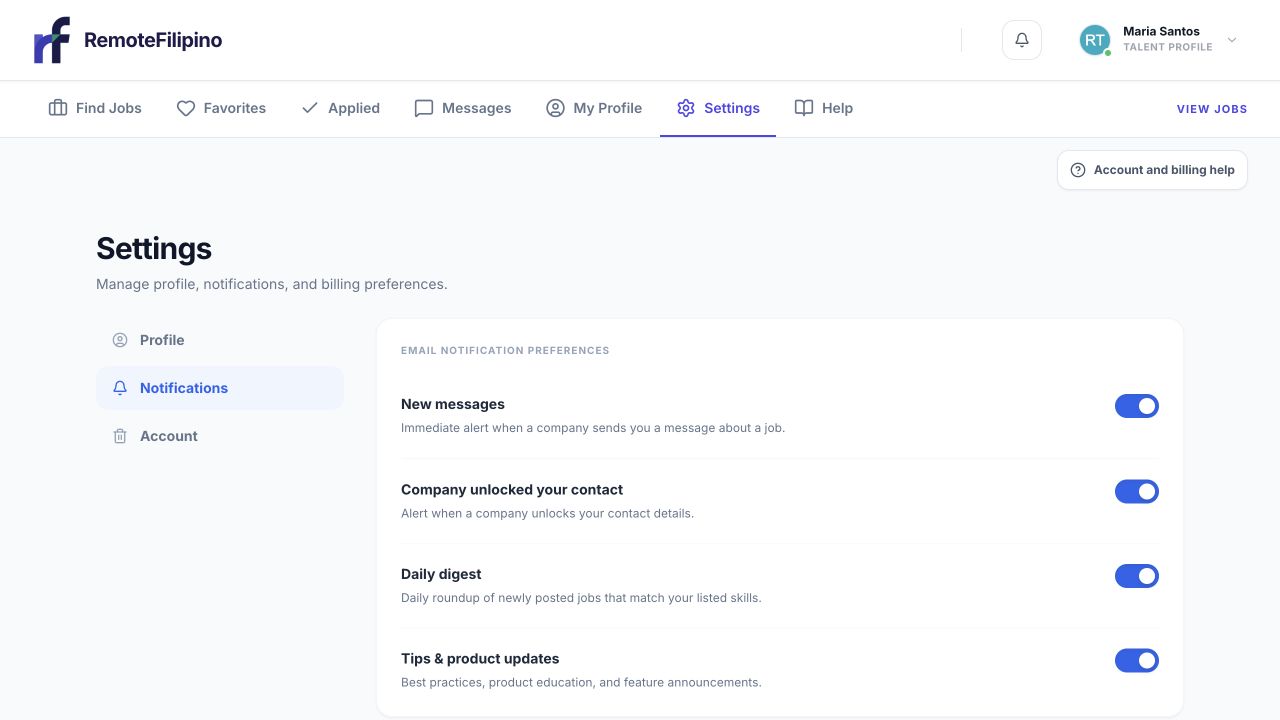
Account controls are grouped in Settings; review what you need to preserve before requesting deletion.
Review whether you need invoices, hiring records, application details, or other lawful records. Employers should hand off active hiring responsibilities and close stale jobs. Talent should save any personal record they are entitled to retain. When your deletion request is accepted, your subscriptions are canceled immediately to stop future renewals. Previous payments are not automatically refunded. If billing cancellation fails, the deletion request is not accepted and your account remains available so you can retry or contact support.
If your concern is unwanted email, check notification controls first. If your account type is wrong, contact support rather than deleting data as a workaround. If you suspect unauthorized access, protect the email account and contact support before making irreversible changes.
Request deletion
- Sign in to the account you own.
- Open Settings.
- Find the account deletion section.
- Read the consequences and scheduled deletion date.
- Complete the required confirmation.
- Save the confirmation email or screenshot.
The account becomes unavailable for ordinary use once the request is accepted. Jobs, applications, messages, profiles, and employer tools connected to that account can stop being accessible. Other users may retain records where needed for legitimate hiring history, legal obligations, fraud prevention, disputes, security, or backups under the Privacy Policy and applicable law. Deletion does not require other people to erase independent communications or records they lawfully hold.
Recover during the 30-day window
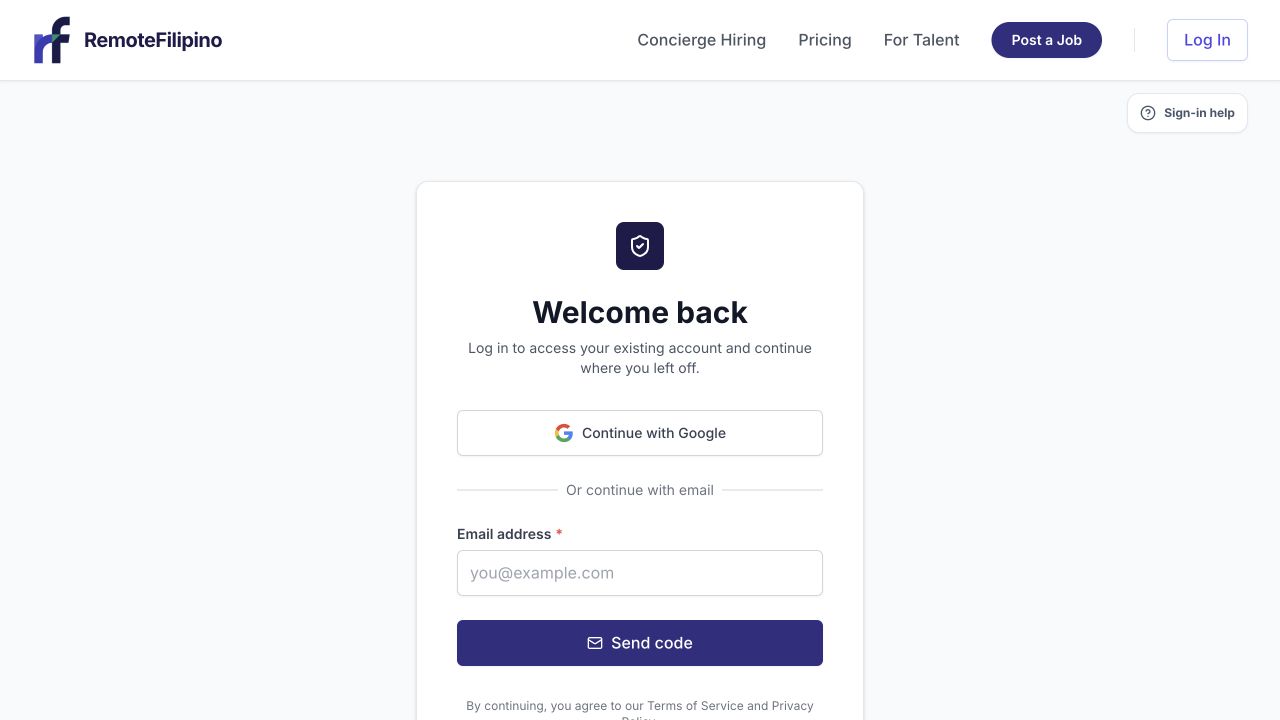
Use the same sign-in method and email when attempting recovery during the available recovery window.
Sign in using the same email before the scheduled permanent deletion date. The product should direct you to account recovery. Read the recovery notice and confirm restoration. Then reload the normal workspace and verify the profile, company, jobs, applications, and settings that should be present. Recovering an account does not restart canceled subscriptions.
Do not create another account while recovery is available. A duplicate account can separate application, billing, and profile records. If Google opens the wrong identity, sign out and select the original account email explicitly.
After the window closes
Permanent deletion runs after the scheduled recovery period. Support may be unable to restore the account or its working data afterward. Some limited records may remain when required for legal, security, payment, abuse-prevention, or backup purposes; these are not an active account and are handled under the Privacy Policy and retention obligations.
Creating a new account later does not guarantee that old applications, jobs, messages, credits, purchases, or profile history can be reattached. Use the recovery flow before the deadline if deletion was a mistake.
If you cannot access Settings
Contact support from the account email. State whether you want help signing in, a deletion request, or a recovery. Include the profile or company name and any non-sensitive account identifier. Support may need to verify ownership; never send a password or email sign-in code.
If you did not request deletion, sign in through the known site, secure your email account, and contact support immediately with the notice time and screenshot. Do not approve an unexpected recovery or deletion link from an unverified domain.
Related guides
Was this article helpful?
Tell us whether this answered your question.